Introduction
Keycloak serves as an identity and application access management system. However, occasional faults may lead to a loss of control, where inadvertent actions, such as deleting access, can occur.
Problem Context
If an error occurs, and you accidentally delete your access or lose control of your admin privileges on a specific Keycloak realm, there are two main solutions.
Solution 1 – Backup and Restore
The first approach is **to take a backup before performing any critical operations**. If something goes wrong, you can restore the backup to regain access and privileges.
Solution 2 – Direct Database Access
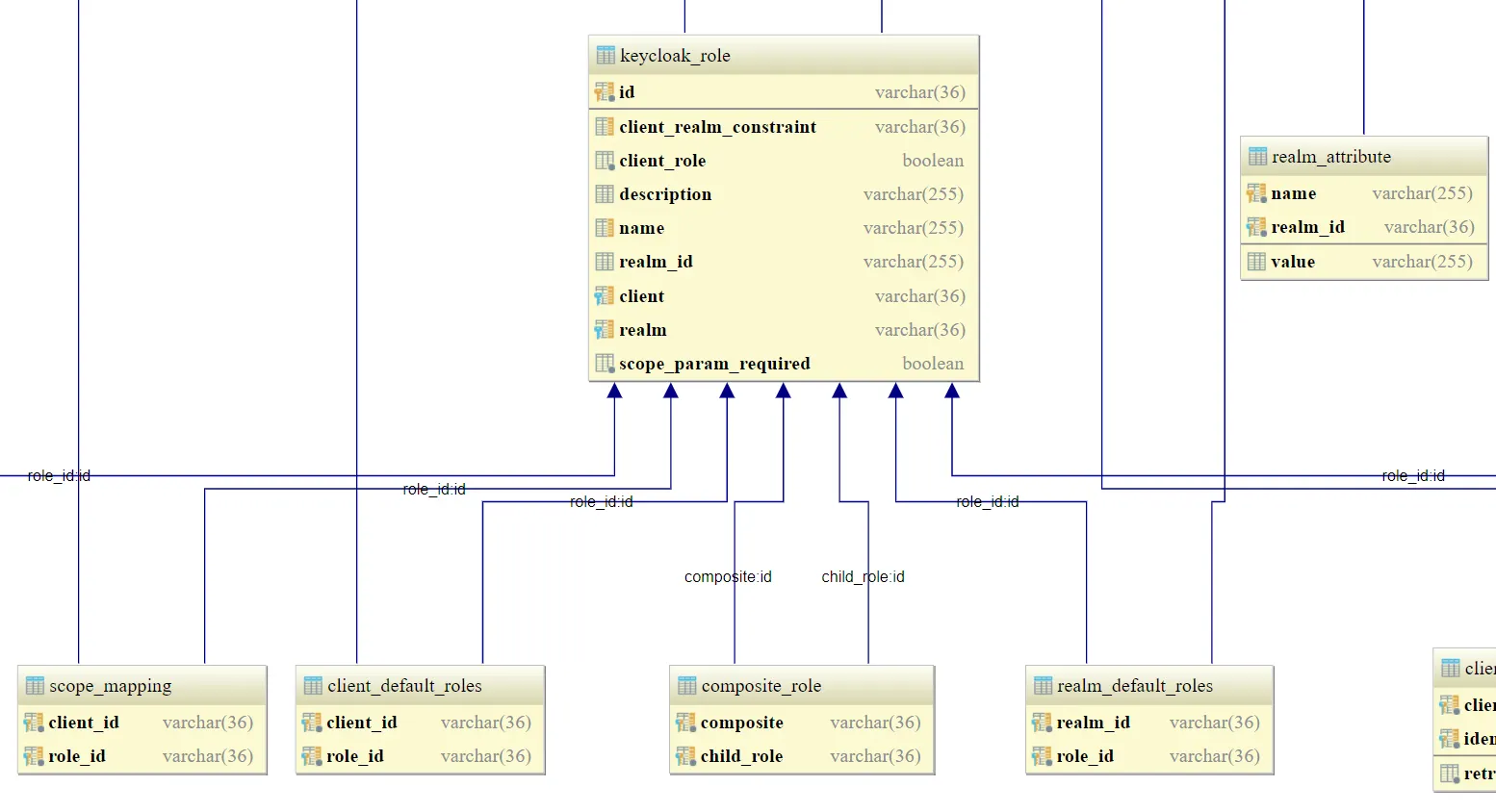
The alternative method is to **directly access the Keycloak database schema**. You can add or map specific roles to your admin account to restore admin privileges.
For reference, you can find the Keycloak database schema.
Conclusion
Keycloak admin recovery can be handled safely by either performing **backups** or **adjusting roles in the database**. Always ensure you work in a safe and controlled environment to avoid accidental data loss.